
Every IoT project begins with a high-level vision: monitoring a global fleet of cold-chain trucks, optimizing energy use in a smart building, or tracking soil health across 1,000 hectares. But between that vision and the first working demo lies a massive “setup tax.”
Before you see a single data point, someone has to manually define equipment and assets, design user interfaces from scratch, and build the logic to handle alerts. This is a bottleneck that delays stakeholder buy-in and inflates project costs. For developers, it’s repetitive; for business leads, it’s a barrier to entry.
ThingsBoard AI Solution Creator (US Cloud \ EU Cloud) changes the math of IoT development. It isn’t just a helper tool – it’s an intelligent Solution Architect Agent that understands your business goals and builds the entire foundational architecture for you.
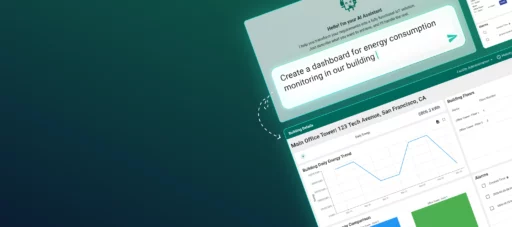
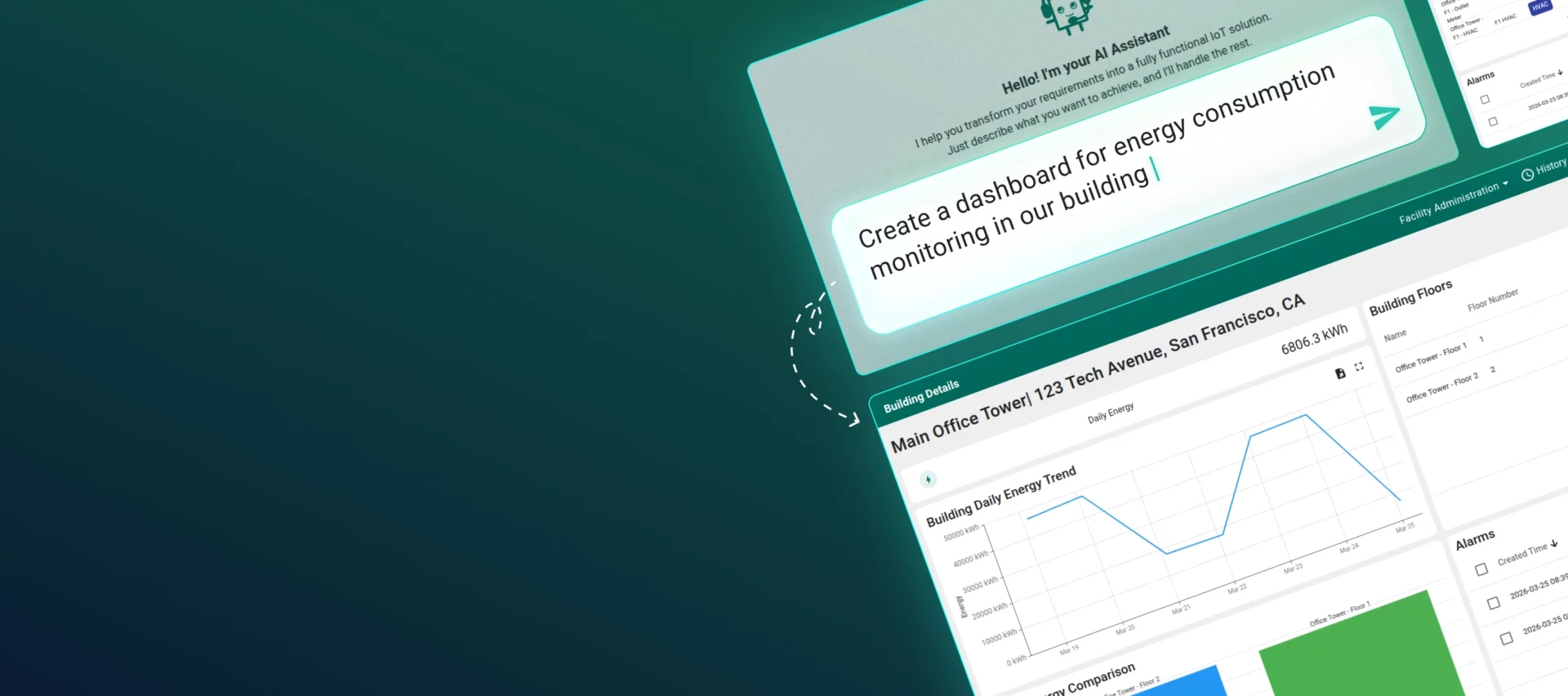
Instead of spending days configuring your PoC, you can now describe your use case in plain language and watch a demo interactive environment appear in minutes.
A True Creator, Not a Chatbot
This isn’t a chatbot that simply points you to documentation. It is an active agent that reads your intent, asks clarifying questions, and then gets to work – setting up an environment, connecting demo data to visual displays, and creating an instant prototype of your real-world use case.
The result isn’t a generic template. It’s a foundational solution shaped around your specific needs, ready to fill with real data from your devices. AI Solution Creator is the ability to work with ThingsBoard solution architects on your use case. This feature includes our experience and knowledge in building large, scalable IoT systems.
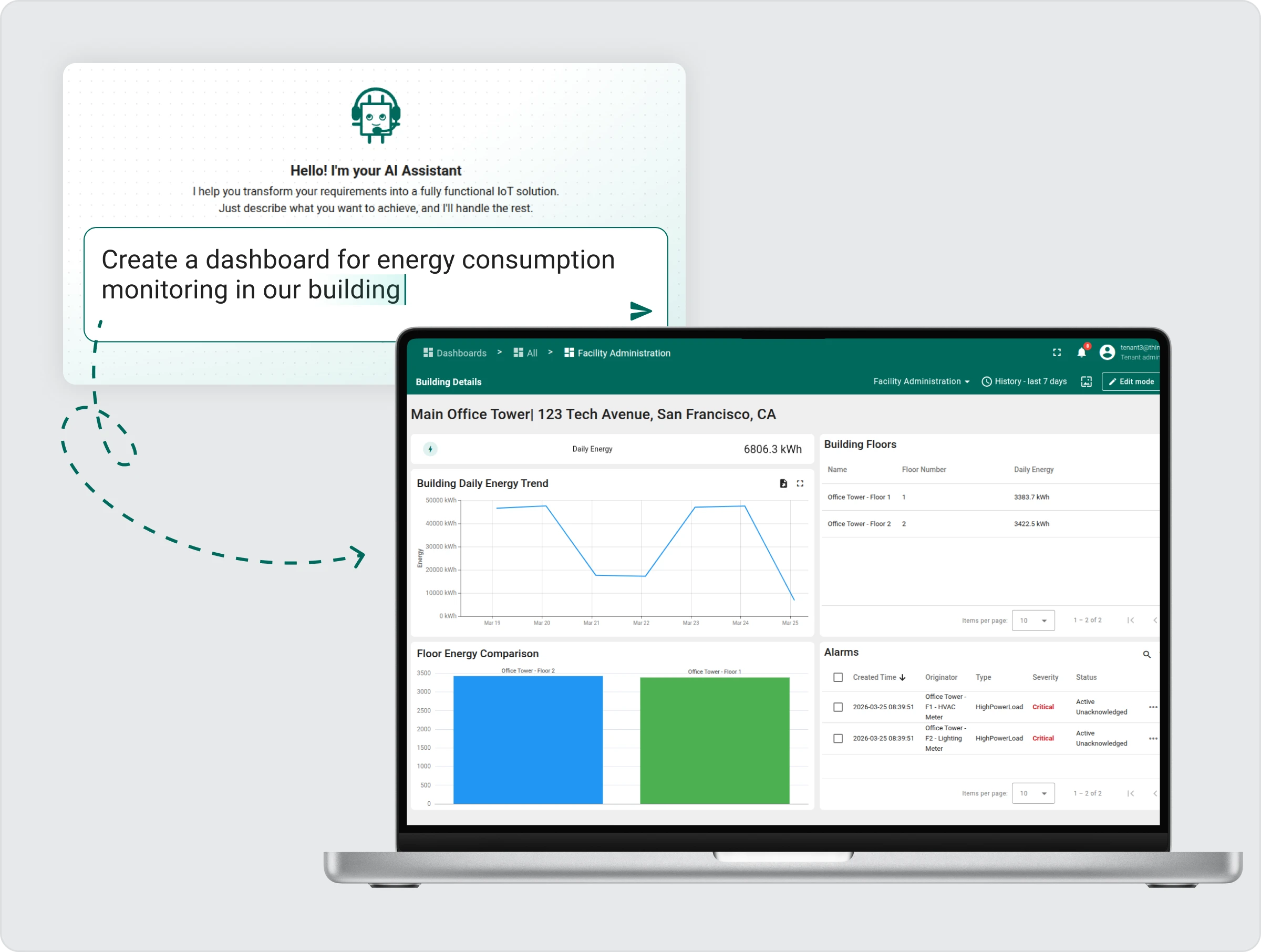
What’s in the Box?
In under 10 minutes, the AI Solution Creator (US Cloud \ EU Cloud) delivers a baseline architecture that normally takes days to assemble:
- Asset & Equipment Mapping: your physical world is structured into digital profiles.
- Who Sees What (User Access): Entity hierarchies and user roles are established so the right people see the right data.
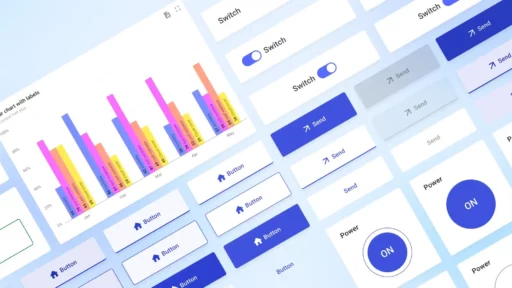
- Visual Dashboards: Professional displays with drill-down navigation, already wired to your assets.
- Real-Time Insights & Alarms: Automated rules that trigger alerts the moment a sensor hits a critical threshold.
- Calculated Metrics: Derived data like averages or fuel consumption, computed automatically from raw telemetry.
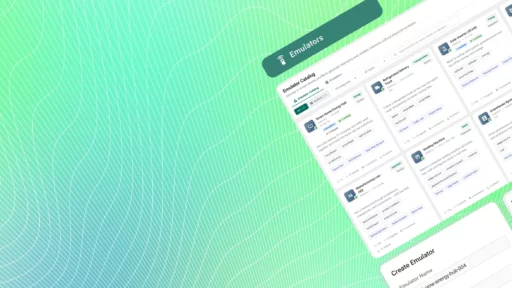
- Live Simulation: Your environment is filled with realistic demo data so you can test the logic immediately and then add your real devices and see your own data.
How can you win with it?
System Integrators
Win more bids by delivering PoCs faster than the competition. Move from a “blank page” to a working demo in one meeting, allowing you to focus on high-margin custom integrations.
IoT Explorers
You don’t need to be a ThingsBoard expert to start. Describe your requirements and watch the platform configure itself. The best way to learn is by exploring a working system.
Business Stakeholders
De-risk your project. Get internal alignment and stakeholder buy-in by moving from a whiteboard concept to a tangible prototype in a single session.
The AI Solution Creator provides a strong, professional starting point based on our experience building large-scale IoT systems. Once your foundation is ready, connecting real devices is straightforward. You stay focused on the business outcome; the platform handles the configuration.
How to Try It Yourself
Ready to try out the tool? We’ve put together a detailed step-by-step guide on how to create a prototype of your solution in 10 minutes. Follow the link (US Cloud \ EU Cloud) and give it a try. To do so, you’ll need to log in to your account or sign up for free.
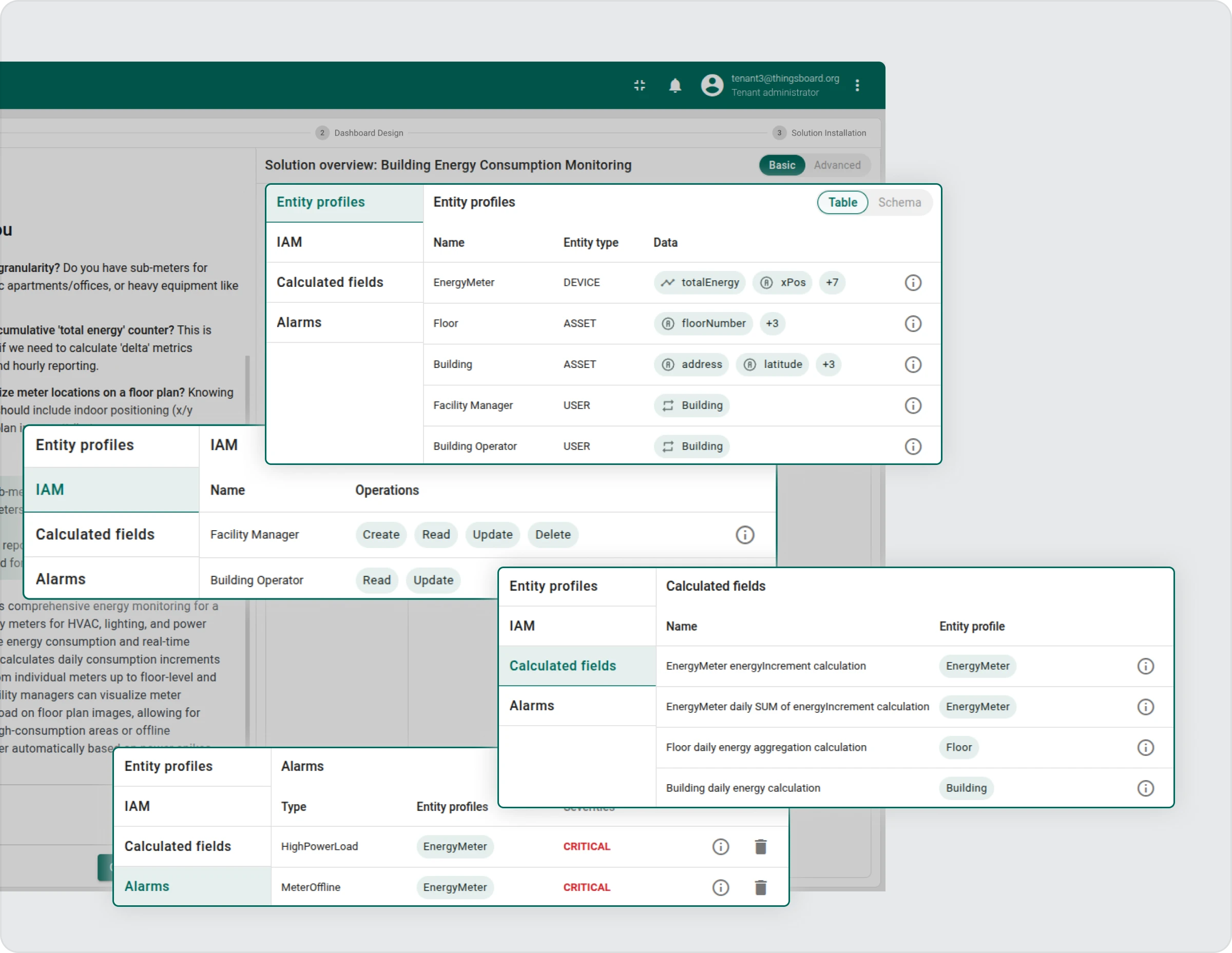
Step 1 — Architecture Design. Tell the AI Agent what you’re building. It will ask clarifying questions if needed, or jump straight to a proposed solution if your description is clear enough. The proposal breaks down into four sections: Entity Profiles, IAM (user roles and permissions), Calculated Fields, and Alarm Rules. You can review the full entity hierarchy in a visual schema view, request adjustments in plain language, and move on when you’re satisfied.
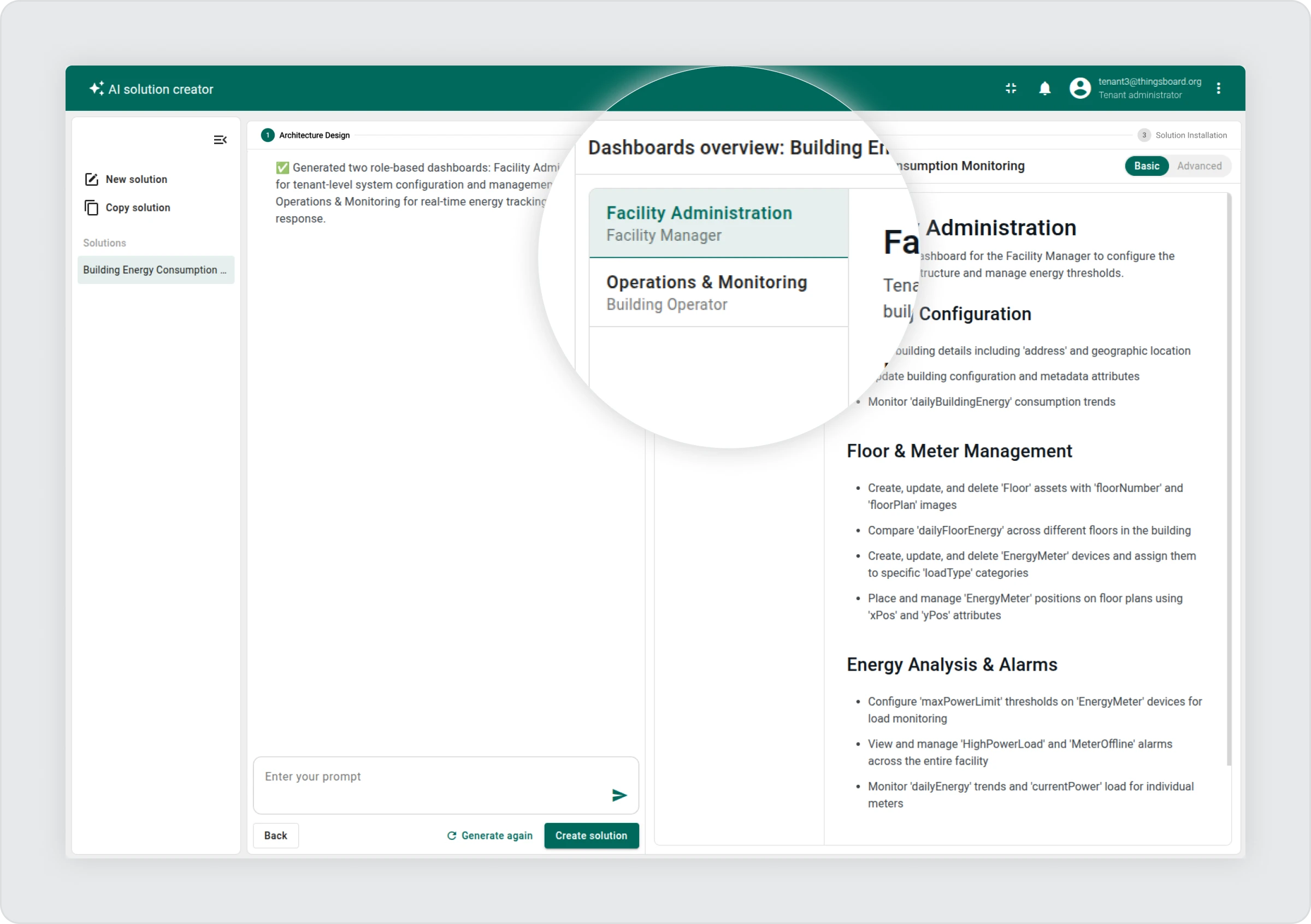
Step 2 — Dashboard Design. The agent immediately generates an overview of the proposed dashboards — what each one will show, how navigation flows between them, and which user roles they’re built for. Review, adjust if needed, and confirm.
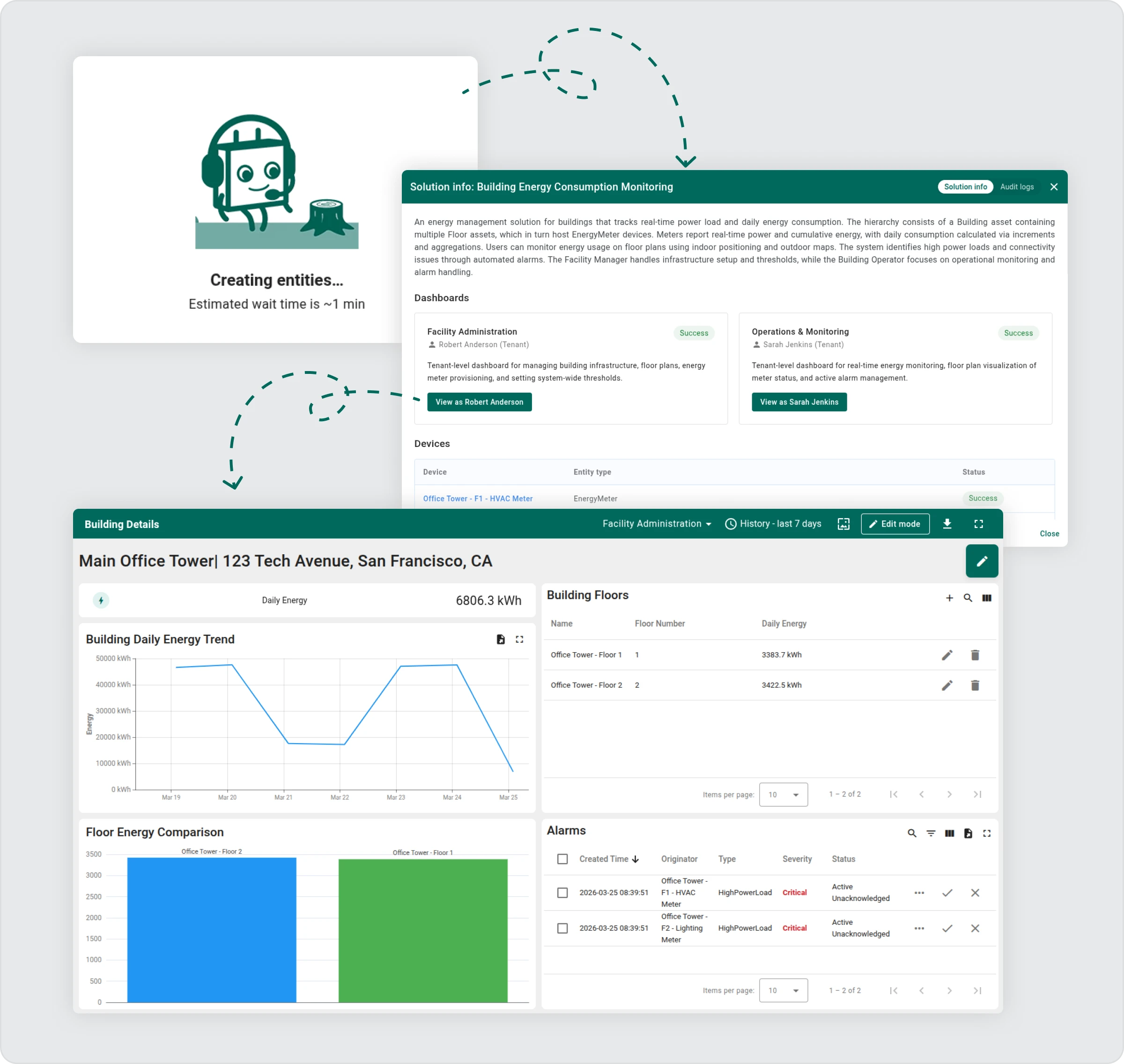
Step 3 — Solution Installation. Click “Create Solution” and the agent provisions everything in one pass: entities, roles, permissions, emulators, dashboards — all wired together. When it’s done, a summary window opens with your solution ready to explore.
Pro-Tip for Users
The more detailed you describe your business goals (which data you need to get, who needs to see what, and what should trigger an alarm), the better the tool can build your foundational architecture.
Stop building the basics and start building the future. Your next IoT solution doesn’t start with a manual; it starts with a conversation.
Follow the link (US Cloud \ EU Cloud) and discover AI Solution Creator. If you already have a ThingsBoard account, log in and give it a try. If you don’t, now is a good time to start.